A lot of small businesses are curious about AI assistants… but the big question is:
“How does it know what it knows?”
Because if it’s just “guessing,” it’s not helpful (or safe) for real business use.
That’s where RAG comes in.
What is RAG?
RAG stands for Retrieval-Augmented Generation.
In plain English:
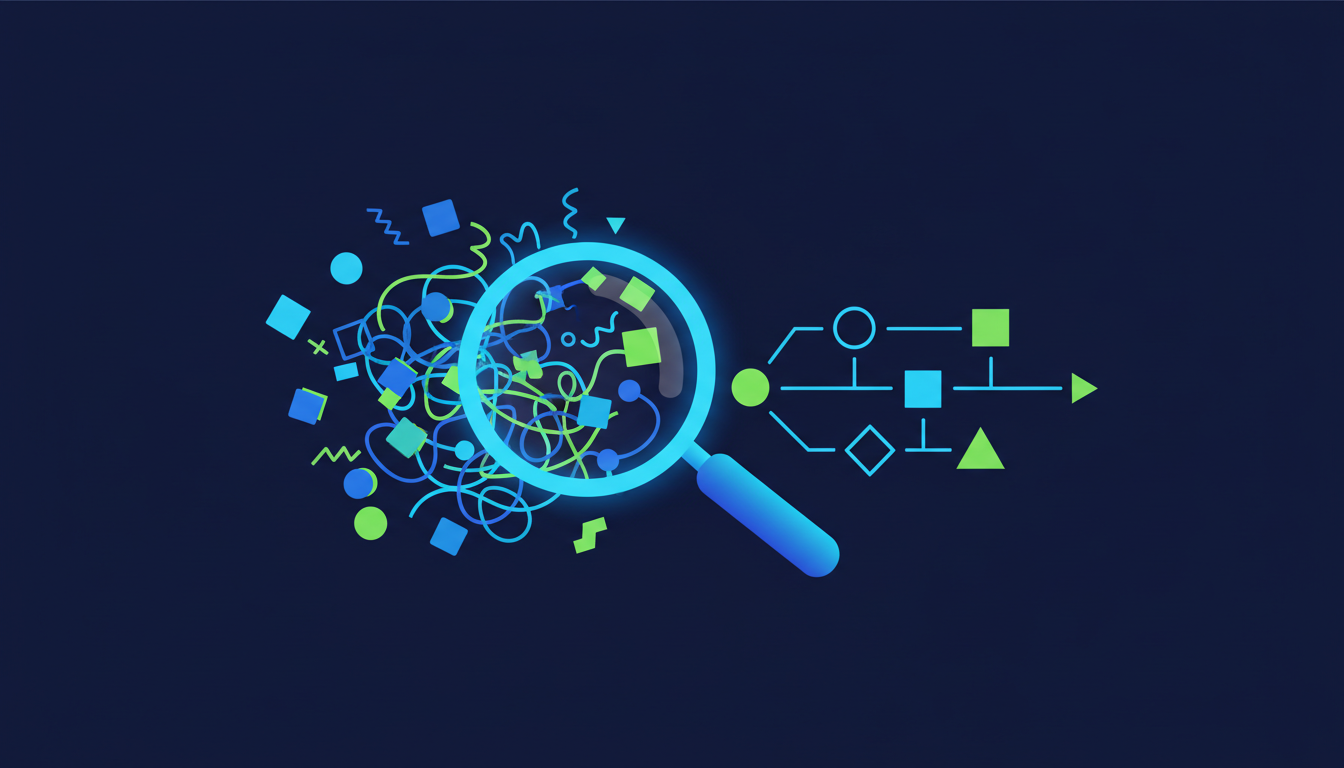
RAG = “Find the right info from your files, then write a clear answer based on that info.”
Think of it like this:
-
Your business already has knowledge: PDFs, SOPs, emails, wiki pages, policies, templates.
-
RAG is the system that pulls the right pieces of that knowledge at the moment you ask a question.
-
Then the AI uses those pieces to answer — ideally with citations so you can see where it came from.
It’s less “magic chatbot” and more “very fast librarian + writer.”
The problem RAG solves
Most businesses don’t struggle because they have no information.
They struggle because the information is:
So instead of answers, you get:
-
Shoulder taps.
-
Interruptions.
-
Inconsistent responses.
-
“I’ll get back to you.”
-
Slow onboarding.
RAG is designed to solve the “we already have it… but we can’t find it” problem.
How RAG works (in 3 simple steps)
1) It indexes your business knowledge
This does not mean “upload everything to the internet.”
It means the system prepares your documents so they can be searched intelligently:
-
Breaks documents into small chunks.
-
Tags them behind the scenes.
-
Keeps a link back to the source file and location.
2) When you ask a question, it retrieves the best matching parts
Instead of the AI answering from vague memory, RAG first does a targeted search:
-
“Which part of the company handbook talks about vacation carryover?”
-
“Where does the onboarding checklist mention tool access?”
-
“Which SOP describes the refund exception process?”
It pulls only the most relevant snippets.
3) Then it generates an answer from those snippets
Now the AI writes a clean response using what it retrieved.
The best RAG systems also provide:
-
Citations (So you can verify).
-
A short answer + optional detail.
-
“I can’t find that” behavior (Instead of making things up).
That last part matters a lot.
Why RAG is different than “just using ChatGPT”
ChatGPT by itself can be great for:
But it doesn’t automatically know your business rules, your SOPs, your pricing, or your policies.
Without RAG, you often get:
With RAG, the assistant is grounded in:
-
Your documentation.
-
Your terminology.
-
Your processes.
What RAG is not
RAG isn’t a mind reader and it isn’t a guarantee of perfect accuracy.
Here are the honest boundaries:
-
If the answer isn’t in your documents, RAG shouldn’t invent it.
-
If documents contradict each other, you’ll get inconsistent results (Until the source content is cleaned up).
-
If the files are a mess, the assistant will reflect that mess.
In other words:
RAG doesn’t replace good documentation — it makes good documentation usable.
Everyday examples of where RAG shines in a small business
Here are real-world, non-hype use cases:
-
Onboarding: “What’s the first-week checklist for a new hire?”
-
Policy questions: “What’s our policy on expense receipts?”
-
Operations: “How do we handle a late delivery complaint?”
-
Sales support: “What’s the approved description for this service?”
-
Customer support: “What do we tell customers when X happens?”
-
Internal consistency: “Which form do we use for Y, and where is it?”
The common theme: fewer interruptions, faster answers, more consistency.
What you need for RAG to work well
You don’t need perfect documentation. You need workable documentation.
The biggest factors are:
1) Clear “source of truth”
Where does the real answer live:
2) Basic structure
Even light structure helps massively:
3) The right behavior rules
A business assistant should behave like a professional:
-
Cite sources when possible.
-
Say “not sure” when it can’t find it.
-
Avoid guessing.
-
Keep answers short unless asked for detail.
Common questions (answered without the hype)
“Will it replace employees?”
No. It reduces repetitive questions and searching, so people can do higher-value work.
“Is it secure?”
It can be, if it’s implemented properly — identity, permissions, audit trails, and controlled data access matter. (This is often where small businesses need expert setup.)
“Does it learn my private data and share it?”
A properly designed RAG system is built to use your data to answer you, not to broadcast it. The details depend on the tools and configuration.
“Do we need to be technical?”
No — but you do need someone who understands how to set it up safely, keep it tidy, and connect it to the systems your team actually uses.
The takeaway
RAG is simply a way to make your existing business knowledge searchable, usable, and consistent — without forcing your team to dig through folders, documents and PDFs.
If your business already has “answers in files,” RAG is how you turn those files into an assistant that can respond in seconds.