Learn with FIT: AI That Actually Works (for SMBs)
This is Part 1 of a 3-part, no-fluff guide to using AI in real business work:
In this 3-part series, the method is simple:
-
Pick the right model for the job. Check out the first part here.
-
Prompt it with structure so the output is usable, Check out the second part here.
-
Consume the result like a business asset: review, verify, convert, store. Today.
That’s how you turn AI from “interesting” into consistent ROI.
AI can generate a lot — fast.
That’s both the opportunity and the trap.
Without a simple intake process, AI output becomes digital exhaust: drafts you never ship, notes you never revisit, and documents scattered across drives and chats. It feels productive in the moment… but it doesn’t compound.
This post shows how to turn AI output into usable, repeatable business assets.
The real problem isn’t AI — it’s “no finish line”
Most AI work fails because it ends like this:
“Cool. Copy/paste. Maybe later.”
Instead, treat AI output like any work product. It needs:
-
review
-
validation
-
formatting
-
storage
-
ownership
The FIT 4-Step Intake Process
1) Review for fit (does it match what you asked for?)
Check:
-
tone (too salesy? too formal? too long?)
-
scope (did it answer the right question?)
-
format (can you actually use it?)
If it’s close: revise. If it’s off: re-prompt with tighter constraints.
2) Verify what matters (don’t skip this on high-stakes work)
Use a simple rule:
-
Low stakes: quick skim and ship
-
Medium stakes: skim + ask for edge cases
-
High stakes: verify with source-of-truth (policy, logs, docs, humans)
A great habit:
“List anything uncertain, and what I should verify before using this.”
3) Convert into an asset (make it reusable)
AI output is rarely “ready” until it becomes one of these:
-
a checklist someone can run
-
a template your team reuses
-
an SOP with owners and exceptions
-
a short playbook (when to do X / when not to)
-
a config snippet (JSON, prompt template, routing rules)
If you can’t reuse it, it’s not an asset — it’s a one-off.
4) Store it where it will be found
Pick one “home” per type of thing:
-
SOPs → your ops wiki / SharePoint / Notion / Confluence
-
Templates → a Templates folder with naming standards
-
Prompts → a Prompt Library page
-
Decisions → a Decision Log (short and dated)
Then link it from where people actually work (HubSpot notes, project board, ticket, etc.).
Stop the “hard drive problem” with three simple rules
Rule 1: One home, one owner
Every artifact has:
No owner = outdated doc.
Rule 2: Name it like you’ll search for it later
Use a simple pattern:
-
topic — artifact type — version/date
Examples:
-
email-triage — prompt-template — v1.0
-
client-onboarding — sop — 2026-01
-
hubspot-meetings — workflow-checklist — v1.2
Rule 3: Define “done”
For anything you’ll reuse, add a tiny “Definition of Done”:
A practical “AI Output Contract”
When you want output you can operationalize, add this to your prompt:
Output Contract:
-
Use headings + bullets
-
Include “Assumptions” and “Risks”
-
Include “Next actions” with owners
-
Keep it under X words
-
Provide a versioned template at the end
That one block turns vague output into something your team can run.
The difference between “AI content” and “AI operations”
AI content is: drafts, ideas, blurbs.
AI operations is: workflows + checks + templates + ownership.
SMBs win when AI creates repeatable leverage, not more scattered text.
Wrap-up
In this 3-part series, the method is simple:
-
Pick the right model for the job
-
Prompt it with structure so the output is usable
-
Consume the result like a business asset: review, verify, convert, store
That’s how you turn AI from “interesting” into consistent ROI.
If you want help setting up this end-to-end approach for your team (model choices, prompt library, approvals, safe automation, and a proper knowledge base), Forward IT Thinking can build it with you.
Don’t Skip This
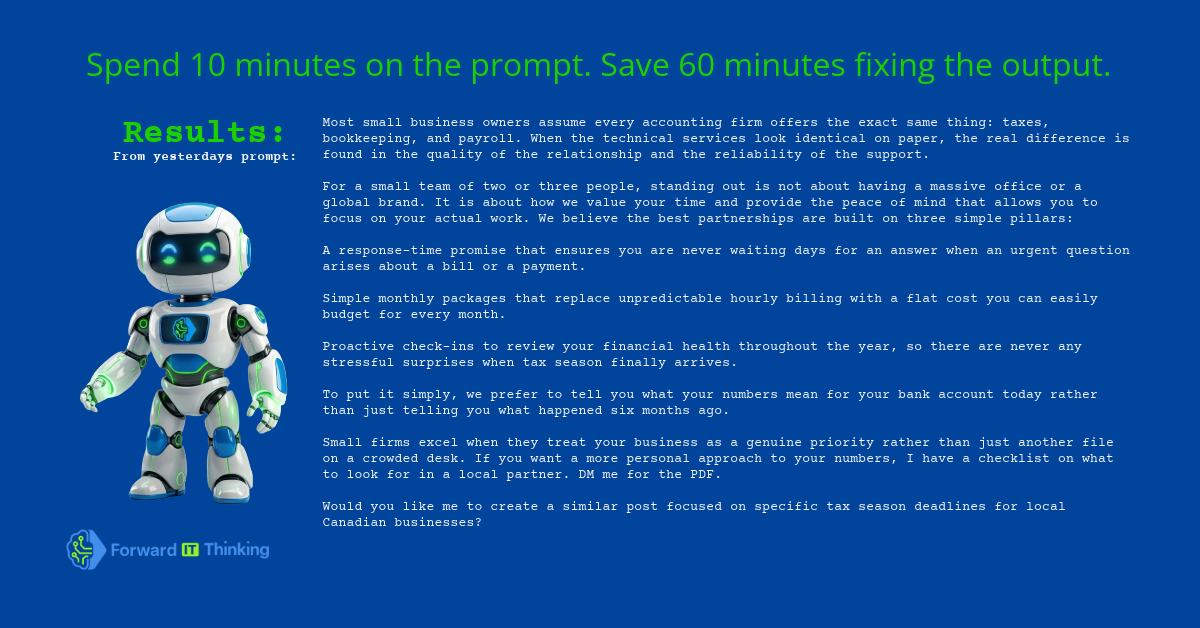
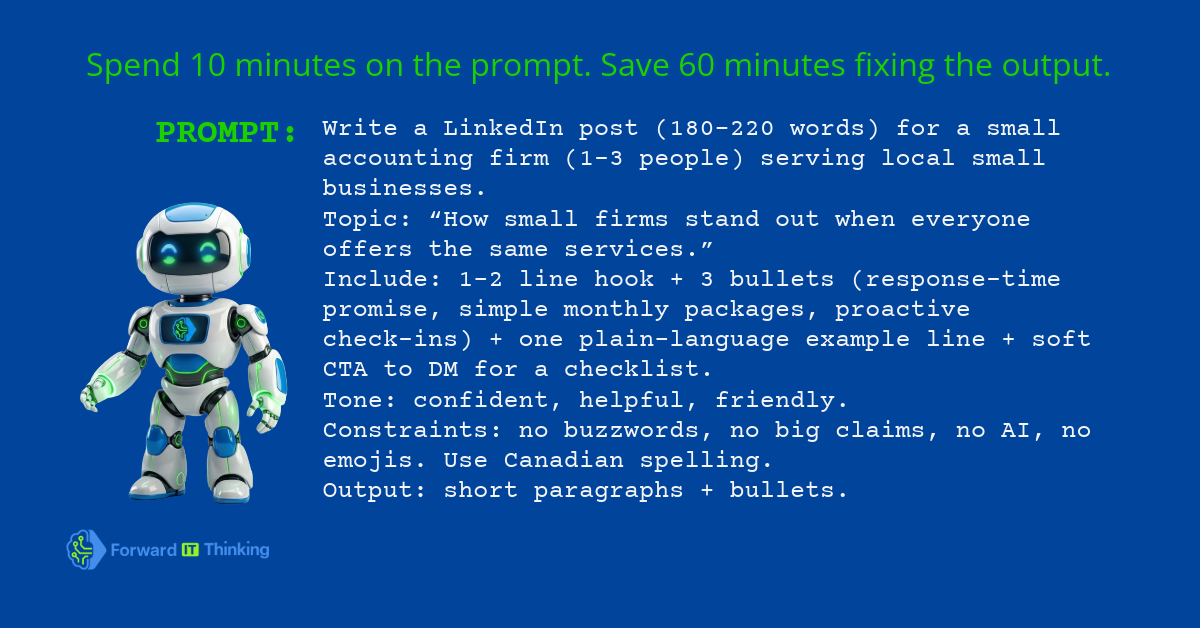
The 10-Minute Rule: If the output matters, take 10 minutes to set it up.
Define the audience, the tone, and the format you want. “Good prompts” aren’t fancy—they’re specific.