If you’ve ever had an automation work perfectly for a month… and then quietly drift into chaos, you’re not alone.
Most SMBs don’t fail at automation because they chose the “wrong tool.” They fail because the workflow wasn’t built with guardrails.
The good news: you don’t need heavy governance or a big IT department. You need three simple guardrails that keep automation aligned with your people, your policies, and your business goals.
Guardrail #1: Human-in-the-loop approvals (where it matters)
Not every workflow needs approval. But some absolutely do — especially anything that:
-
emails customers
-
modifies CRM data at scale
-
creates invoices, quotes, or financial records
-
changes permissions, access, or security settings
The pattern:
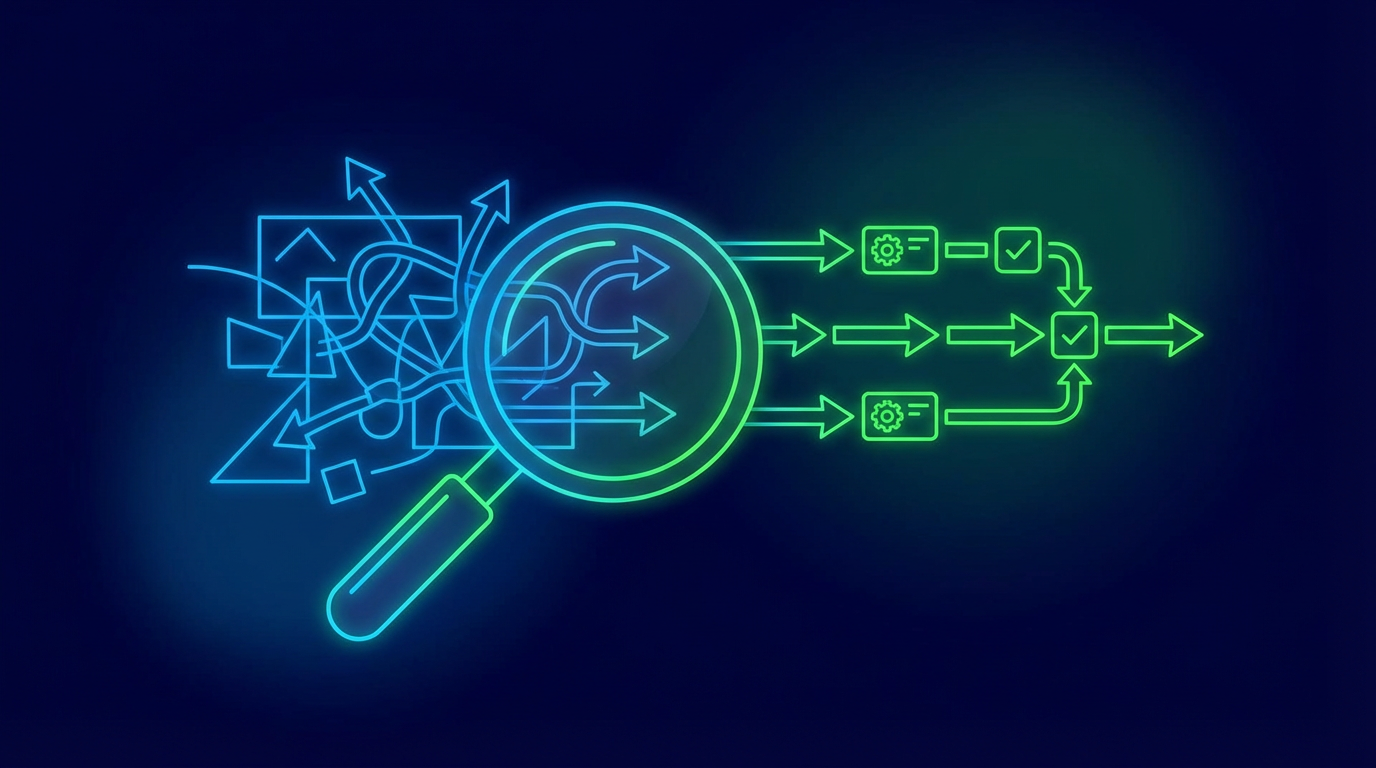
Draft → Review → Approve → Execute
That can be as simple as a Teams message, a Slack button, or an approval task that a manager checks once a day. The result is you keep the speed of automation without risking brand damage or bad data.
Guardrail #2: “One source of truth” for workflow logic and ownership
Shadow automation is what happens when:
-
one person owns the workflow “in their head”
-
logic is scattered across 10 zaps/scripts
-
nobody knows what happens if it breaks
The pattern:
Every workflow should have:
-
an owner (who’s accountable)
-
a purpose (what outcome it drives)
-
inputs/outputs (what it reads and writes)
-
a rollback plan (what to do if it misfires)
This doesn’t need to be a 20-page document. A simple one-page playbook is enough — and it saves hours later.
Guardrail #3: Monitoring + a kill switch (so you can sleep at night)
If a workflow goes noisy, expensive, or wrong, you need the ability to stop it fast.
Minimum monitoring checklist:
And one essential control: a kill switch (toggle) that disables the workflow without touching code.
This is what makes automation feel safe — because you’re never “stuck” with it.
The takeaway
AI and automation should feel like a reliable teammate, not a fragile science experiment. If you build with these three guardrails:
-
approvals where it matters
-
clear ownership + one source of truth
-
monitoring + kill switch
…you’ll get workflows that stay useful long after launch.
If you want help identifying the highest-ROI workflows and implementing them with the right guardrails, book a free discovery call and we’ll map out the best next steps.