Build a Prompt Library Your Team Will Actually Use
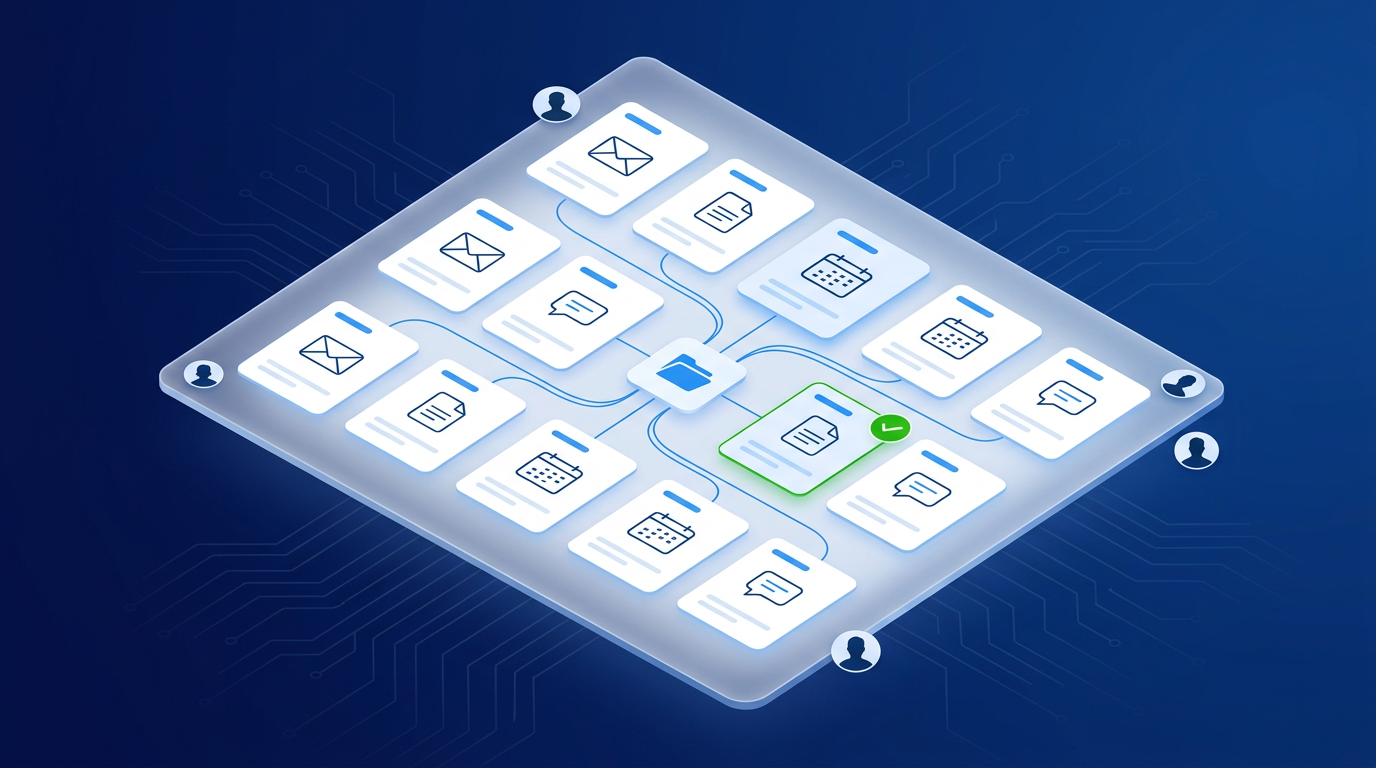
One of the fastest ways to get inconsistent AI results across a team is to have every person write their own prompts from scratch each time. One of the fastest ways to fix that is a shared prompt library.
A prompt library is not a complicated system. It is a short, organized list of prompts your team has already tested and found useful — ready to copy, paste, and run.
Why prompts written once should not be thrown away
When someone on your team figures out a prompt that reliably produces a good draft, a useful summary, or a clean client message, that knowledge disappears the moment the browser tab closes. They will spend time rediscovering it next week.
A prompt library captures that discovery once and makes it available to everyone. It is low-maintenance documentation with a direct return.
What belongs in a prompt library
Start with the workflows your team uses most frequently. Good candidates:
- Client communication templates — first contact, follow-up, appointment confirmation, check-in after project
- Intake summaries — turning raw notes or a form submission into a structured brief
- Internal status updates — weekly summaries, project updates for owners or partners
- Draft responses — handling common questions, objections, or requests
- Content starters — social posts, email newsletters, blog outlines
A prompt library does not need to be comprehensive from day one. Start with five prompts. Add more as they prove useful.
Prompt structure that produces consistent results
Prompts that work well in a library tend to follow a consistent shape:
- Role — tell the AI what it is doing ("You are helping draft a client follow-up email for a home renovation contractor")
- Context — what inputs are being provided ("The client's name, the project type, and the key update are below")
- Output format — how the result should be structured ("Write 3–5 sentences, professional but warm, no jargon")
- Placeholders — mark the parts that change each time with clear labels ("CLIENT NAME", "PROJECT TYPE", "UPDATE")
Prompts written this way are easy for anyone on the team to pick up and run without guessing.
Where to keep the library
Choose the simplest tool your team already uses:
- A shared Google Doc or Notion page works well for most micro-SMBs
- A pinned Slack channel or Teams note works for teams already in those tools
- A shared folder of plain text files works if you want something simple and portable
The goal is zero friction to access. If it takes more than 30 seconds to find a prompt, it will not be used consistently.
SMB example: small insurance brokerage
A four-person insurance brokerage used AI individually but with inconsistent results. Client emails sounded different from each person and some staff avoided the tools entirely because they weren't sure what to type.
They created a shared Google Doc with seven prompts covering their most common client communications. Within three weeks, all four staff were using the same starting points. Client email quality became more consistent and the two staff who had avoided AI started using it daily.
The doc now has fourteen prompts and is updated once a month when someone finds a better version of an existing one.
Keeping the library current
A prompt library goes stale if nobody owns it. Assign one person — usually whoever introduced AI to the team — to review and update it monthly. The review takes ten minutes:
- Remove prompts nobody is using
- Update prompts where the output quality has slipped
- Add any new prompts that came up in the previous month
A small, maintained library is more valuable than a large, outdated one.
Keep exploring
Pair this with Prompting That Produces Clean, Usable Output and Your First AI Employee Handbook for a complete framework for consistent AI use across your team. To build this kind of structure into your operations systematically, start the AI Readiness Audit or contact FIT.