Rollout Notes That Keep AI Changes Safe and Reversible
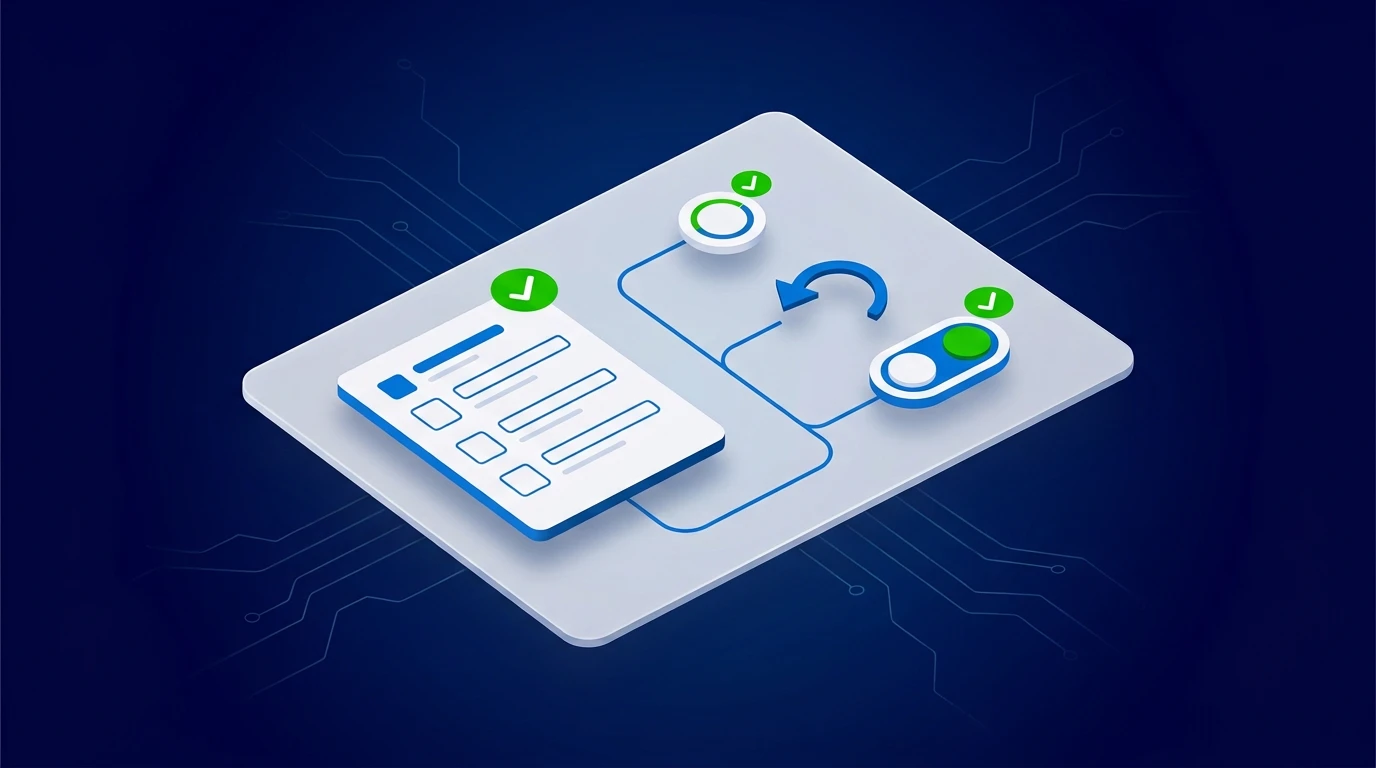
Most AI incidents are not caused by bad intentions. They are caused by undocumented changes nobody can trace or reverse.
Rollout notes are the simplest control most teams skip. They make change visible, testable, and reversible.
What rollout notes should capture
For every production change, document:
- objective of the change
- affected workflow and owner
- risk level and approval gate updates
- fallback path if quality drops
- kill-switch condition
If this is missing, your team is relying on memory.
A practical rollout note template
Keep it to one page:
- Change summary.
- Expected impact and success metric.
- Validation checks during first week.
- Escalation and rollback instructions.
- Sign-off from decision owner.
Short notes are more likely to be maintained.
Tie notes to approval and monitoring
Rollout notes are useful only when connected to execution.
After launch, review:
- exception volume
- fallback frequency
- approval delays
- customer-impact signals
If any signal crosses threshold, execute rollback or pause rules immediately.
SMB example: scheduling automation
A team changed appointment routing logic and documented fallback to manual dispatch if no assignment was made in two minutes.
When a dependency failed, they reverted within one cycle and avoided missed appointments.
SMB example: CRM enrichment update
A change added AI-generated field enrichment. Rollout notes required confidence threshold and owner review for low-confidence updates.
Data quality improved without polluting core records.
Keep exploring
For stronger production controls, read Part 2: Production Hardening and Approval Gates for AI. For a structured rollout plan, start the AI Readiness Audit or contact FIT.