Approval Gates for AI: Exactly Where Human Sign-Off Belongs
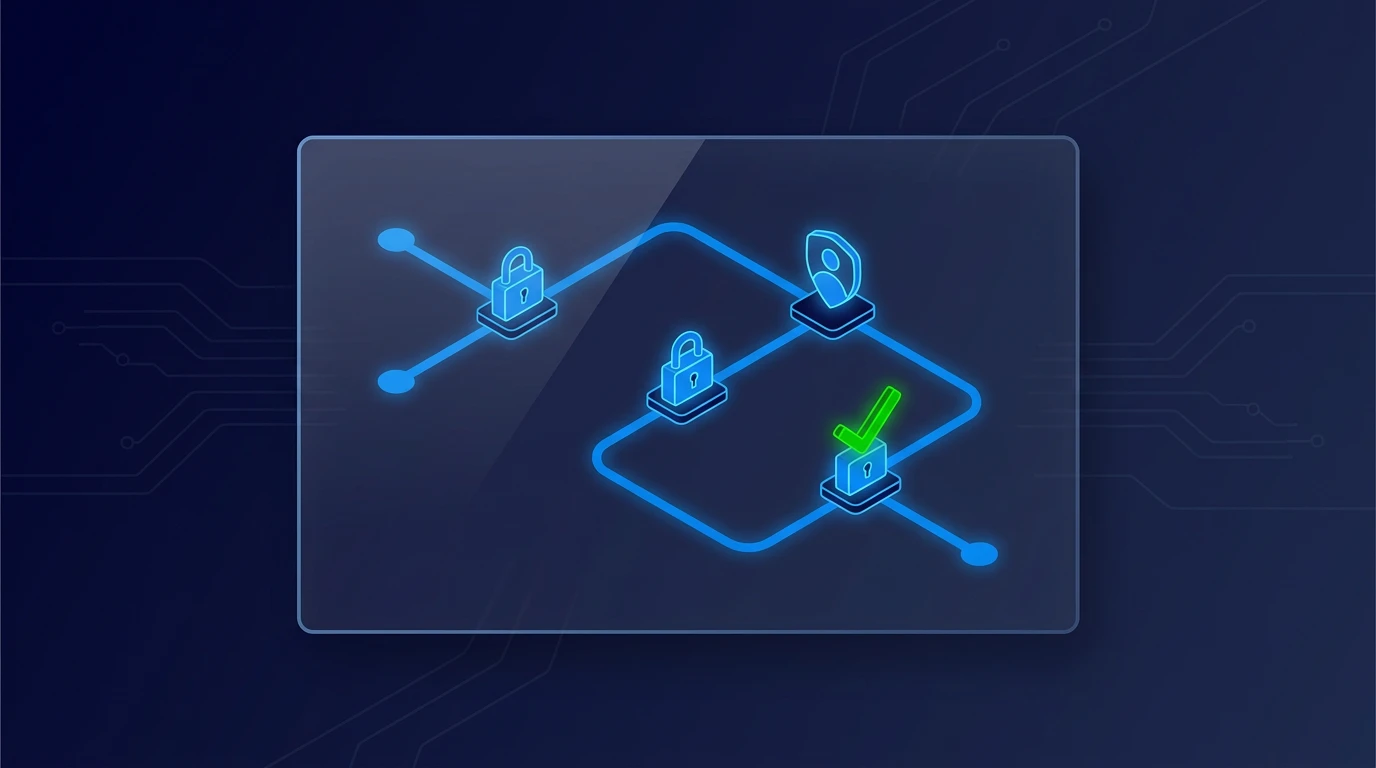
Automation does not fail because humans stay involved. It fails when humans are involved at the wrong points.
The goal is not maximum autonomy. The goal is controlled speed. Approval gates give you both when placed deliberately.
Three gate types that work in practice
Use these gate types in order:
- Pre-action gates: approve before any external action.
- Threshold gates: auto-process low risk, approve high risk.
- Exception gates: approve only edge cases and anomalies.
This keeps review load manageable without removing control.
Where to place gates first
Start with steps that can cause irreversible outcomes:
- payments and refunds
- customer-facing outbound messages
- policy or compliance-sensitive decisions
- data sharing outside your core stack
If the step is hard to reverse, it needs an approval path.
Keep gate design lightweight
A gate should not become bureaucracy. Keep each gate explicit and simple:
- who approves
- what criteria trigger review
- target response time
- what happens if approver is unavailable
If these are not written, the gate is operationally weak.
SMB example: expense approvals
A services team automated expense intake and coding. Expenses under a low threshold were auto-approved. Above threshold required finance sign-off.
They cut processing time while maintaining spend control.
SMB example: outbound client updates
An AI assistant drafted status emails. Routine updates sent automatically only when confidence and template match were high. Anything unusual routed to account manager approval.
That protected client trust without slowing routine communication.
Keep exploring
If you are setting controls, read Automation That Doesn't Break: The 3 Guardrails Every SMB Needs and Build an AI Risk Heat Map Your Team Will Actually Use. For workflow-by-workflow gate design, start the AI Readiness Audit or contact FIT.