Don't Let a Viral AI Bot Turn Into a Security Headache
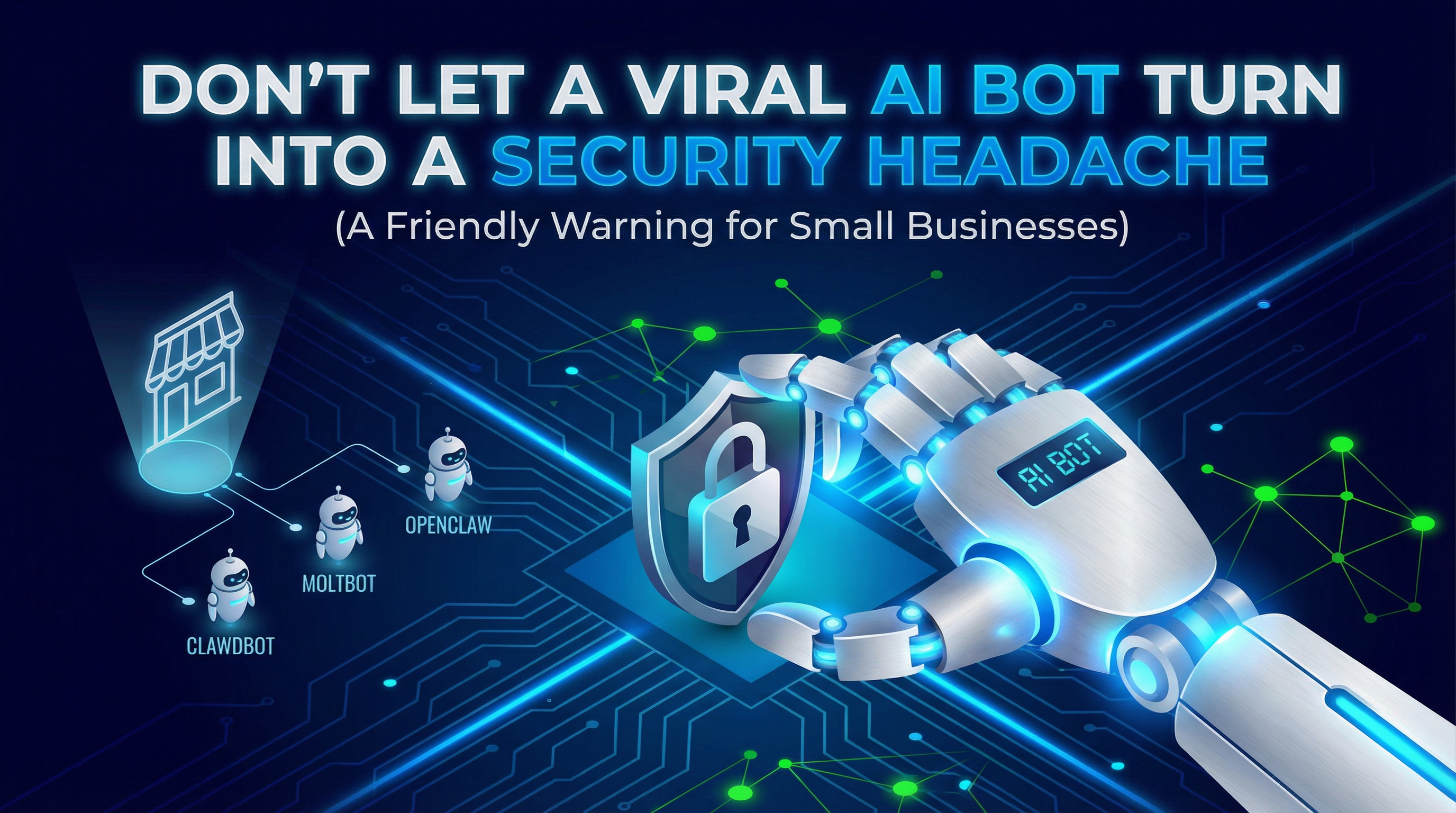
Viral AI bots like OpenClaw promise effortless automation, but for small businesses, the security risks are real. Before connecting any trending tool to your business accounts, here's what you need to know.
If you run a small business, you've probably seen the posts:
"This AI bot can run your life."
"Set it up in minutes."
"It texts you, it schedules things, it does tasks while you sleep."
Right now, the "lobster bot" trend (often called Clawdbot, Moltbot, and now OpenClaw) is one of the loudest examples. It's getting attention because it looks like the future: an always-on assistant you can message like a person, and it can do work on your behalf (TechCrunch, Business Insider).
Here's the problem:
The hype is real — and the security risk is also real. And for a typical 5–10 person shop, that risk can land on your lap fast.
This post is not meant to be technical, and it's not meant to scare you away from AI. It's a simple heads-up from a security-minded IT guy:
Don't install "viral automation" tools the same way you try a new note-taking app.
What's going on with "OpenClaw / Moltbot" (plain English)
This is a do-things-for-you AI assistant that can connect to tools you already use. People like it because it feels simple: you "message the bot," and the bot "does the work."
But behind the scenes, these kinds of assistants usually need access to things that matter: - accounts (email/chat) - logins / keys (so they can connect to services) - a computer/server that stays on
When something has access to your accounts, it's no longer "just an app." It's closer to a new operator inside your business systems.
Why this trend turned into a mess so quickly
1) Name changes created confusion — and confusion attracts scammers
The project rapidly renamed from Clawdbot → Moltbot → OpenClaw after a legal/trademark push. Rapid change is normal in early projects, but it creates a risky window where fake accounts and lookalike pages can spread (Business Insider).
Small-business takeaway: when a product's identity is changing daily, it becomes easier for fake "download links" and impersonators to trick people.
2) Some people set it up in unsafe ways (and that's where the danger starts)
Security reporting has pointed out that many installations were left accessible on the public internet, which can expose sensitive data if the setup is wrong (Axios, Forbes).
This is the part non-technical folks often miss:
Most security disasters aren't "movie hacking."
They're everyday mistakes like: - leaving something open - using default settings - trusting a random tutorial - connecting real accounts before you've tested safely
3) Fast "AI-built" projects can ship before the guardrails are ready
This week, Reuters reported a major security issue involving Moltbook, a related "social network for AI agents," where a cybersecurity firm found sensitive data exposure and the issue was patched after disclosure (Reuters).
Different product, same lesson: fast-moving AI projects can ship before basic safety checks catch up.
The "friendly warning" part (what I'd tell a busy SMB owner)
If you see a viral AI bot that promises automation, ask these three questions before you try it:
1) "Does this tool need access to my accounts?"
If the answer is yes, treat it like granting access to a real staff member: - would you give a brand-new hire full access on day one? - would you give them the keys to everything with no oversight?
2) "Is this tool early and changing fast?"
If names, links, and "official pages" are shifting every few days, slow down. That's when scams and confusion spread the fastest.
3) "How would I know if something went wrong?"
If you can't answer that simply (who can access it, what it can touch, how you'd notice something odd), it's not ready for your real business accounts.
"So should I avoid it completely?"
Not necessarily.
But don't test it on your real business first.
If you're curious, do what pros do with new tools: - test with a throwaway account - keep it separate from real customer data - don't connect it to "everything" on day one
That's not being paranoid. That's being practical.
My bottom line
The big idea behind these tools (message an assistant and it does the work) is real — and it's coming fast.
But the current wave proves something important:
AI automation without guardrails becomes "shadow IT" overnight.
And shadow IT is how small businesses end up cleaning up messes they didn't budget time or money for.
If you want automation that's useful and safe, the path isn't "install whatever is trending."
The path is: small, controlled improvements with visibility and approvals.
That's the whole FIT philosophy.
Sources & further reading
- TechCrunch on the OpenClaw rebrand and the hype wave: TechCrunch
- Reuters on the Moltbook security incident (related trend): Reuters
- Axios on security risks around this trend: Axios
- Forbes on concerns and risks in the OpenClaw/Moltbot wave: Forbes
- LinkedIn post (user-provided link): LinkedIn
If you're an SMB owner and you're exploring automation: start with one safe workflow, with visibility and approvals. You'll get the upside without gambling with your accounts.