Automation That Doesn't Break: The 3 Guardrails Every SMB Needs
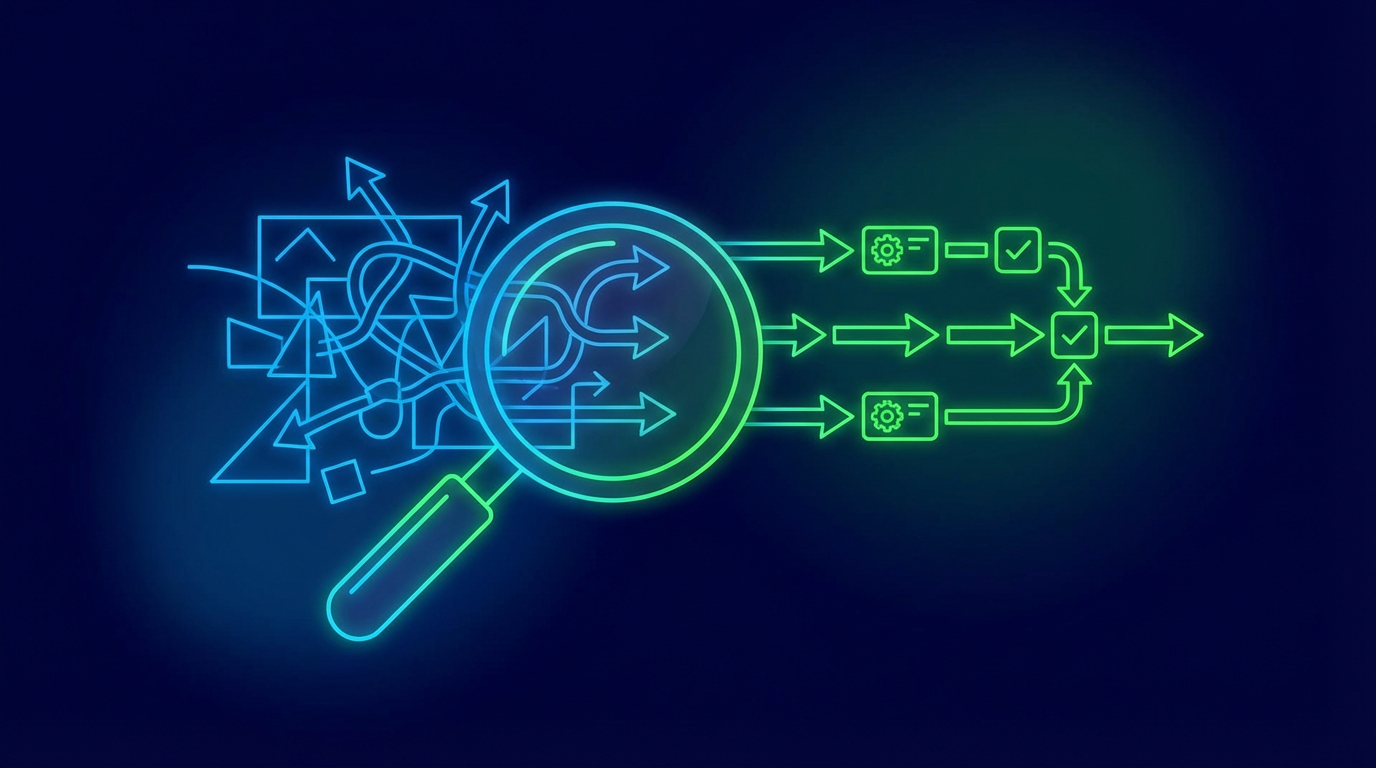
Most small businesses don't fail at automation because of the wrong tool — they fail because the workflow wasn't built with guardrails. Here are the three that prevent most of the problems.
A workflow that runs perfectly for six weeks and then silently fails on week seven isn't an automation win. It's a liability. The difference between automation that holds up and automation that becomes a support burden usually comes down to three design decisions made before a single step is built.
Guardrail 1: Human-in-the-loop approvals
The pattern: Any automation that sends something to a customer, moves money, or makes a decision with external consequences should pause for human review before it executes.
This sounds like it defeats the purpose of automation. It doesn't. The goal of a human-in-the-loop checkpoint isn't to slow everything down — it's to keep a human responsible for the outcome while the automation handles the preparation.
In practice this looks like: the automation drafts the email and routes it to a queue for approval, the automation flags the invoice for review before sending, the automation prepares the report and notifies the owner before distribution. The human reviews in seconds what would have taken minutes to create. That's still a significant time saving — with accountability built in.
The rule of thumb: if something going wrong would be hard to explain to a client or costly to reverse, put a checkpoint before it.
Guardrail 2: One owner, one source of truth
The pattern: Every automation has a named owner and draws from a single authoritative data source. No exceptions.
Automations fail when they pull from two spreadsheets that contradict each other, or when nobody is sure whose job it is to update the contact list, or when the workflow was built by someone who left six months ago and nobody knows how it works.
Ownership means one person is responsible for: knowing what the automation does, keeping the inputs accurate, receiving alerts when something breaks, and deciding when the workflow needs to change. That doesn't mean one person does all the technical work. It means one person is accountable.
Single source of truth means the automation reads from one place — one CRM, one spreadsheet, one database. If you find yourself syncing data between two systems before the automation runs, that sync is fragile. Fix the data problem first.
Guardrail 3: Monitoring and a kill switch
The pattern: Every automation in production has a way to observe what it's doing and a way to stop it immediately.
An automation running in the background with no visibility is not an asset — it's a risk you've forgotten about. Monitoring doesn't have to be complex. At a minimum: a log of what ran and when, an alert if something fails, and a regular (monthly) review to confirm the automation is still doing what you think it's doing.
The kill switch is non-negotiable. Before you put any automation into production, make sure you can answer this question: if I needed to turn this off in the next five minutes, could I? The answer should always be yes, and the steps should be documented somewhere your team can find them without asking you.
The three-question check
Before any automation goes live, run through this:
- Is there a human checkpoint for anything consequential? If the answer is no, add one.
- Is there one named owner and one clean data source? If the answer is no, assign ownership before building.
- Can I monitor what it's doing and stop it in five minutes? If the answer is no, the workflow isn't ready to ship.
Guardrails aren't bureaucracy. They're what separate an automation you can trust from one you have to babysit.
Keep exploring
Browse posts tagged guardrails and human-in-the-loop, or see all posts →.